forms
Traditionally, the term ‘form’ has referred to a printed document that contains spaces for you to fill in information.
Why Forms?
A form is a structured document with a fixed arrangement. Forms are used to collect the required information in a logical, meaningful fashion for communication and pass to another entity. When you picture what a form is, you can conjure many different types of documents.
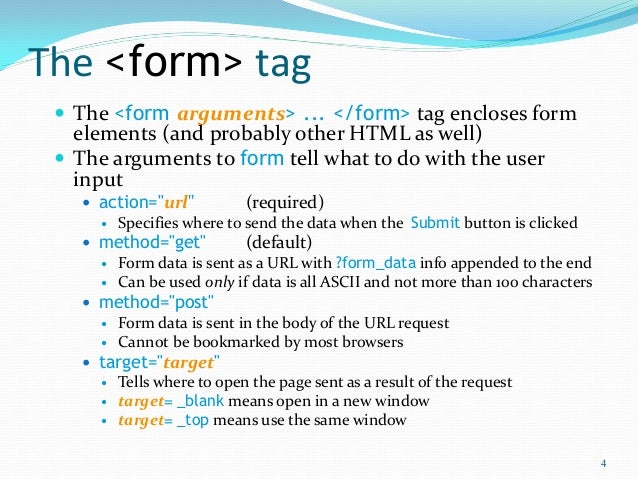
forms control in html
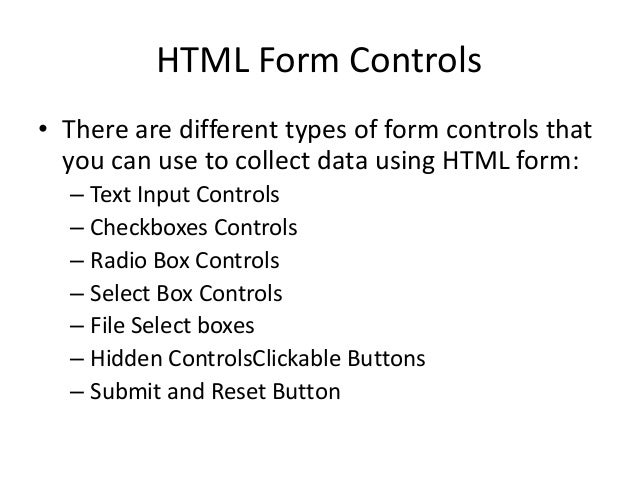
text Input Controls. Checkboxes Controls. Radio Box Controls. Select Box Controls. File Select boxes. Hidden Controls. Clickable Buttons. Submit and Reset Button.
Lists, Tables and Forms
-
table tag is the starting tag and end of table tag signifies end of the table. A table contains rows and columns. tr tag and end of tr tag are used to create rows in the table. The number of tr tags in the syntax specify the number of horizontal rows in the table.
-
Chapter Summary Use the HTML table> element to define a table. Use the HTML tr> element to define a table row. Use the HTML td> element to define a table data. Use the HTML th> element to define a table heading. Use the HTML caption> element to define a table caption. Use the CSS border property to define a border.

Events
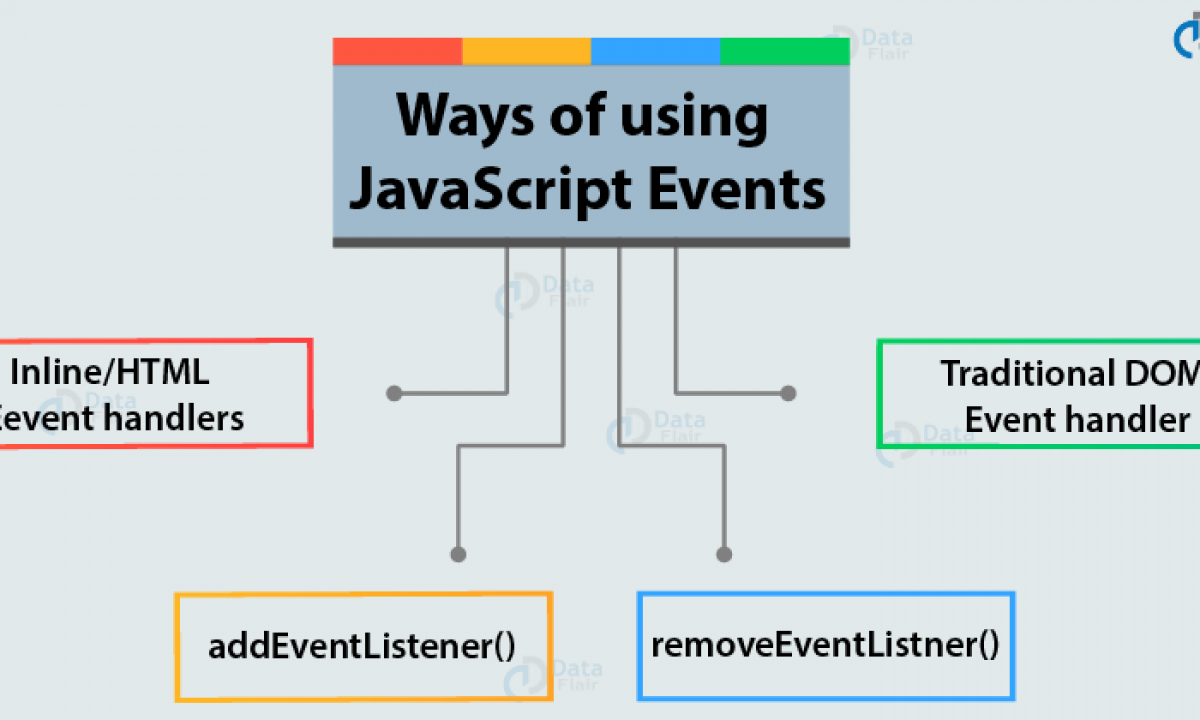
JavaScript’s interaction with HTML is handled through events that occur when the user or the browser manipulates a page. When the page loads, it is called an event. When the user clicks a button, that click too is an event. Other examples include events like pressing any key, closing a window, resizing a window
quize
- what is event ?
- what is list ?
- what is list ?
for more info please visit my github qusaiqeisi
best regard