technecal tools .
what do we mean by verison control ?
verison control, also called source control, allows you to manage changes to files over time, storing these modifications in a database. You can use version control to version code, binary files, and digital assets.
- Version control systems allow multiple developers, designers, and team members to work together on the same project.
- VCS, these systems are critical to ensure everyone has access to the latest code.
- As development gets more complex, there’s a bigger need to manage multiple versions of entire products
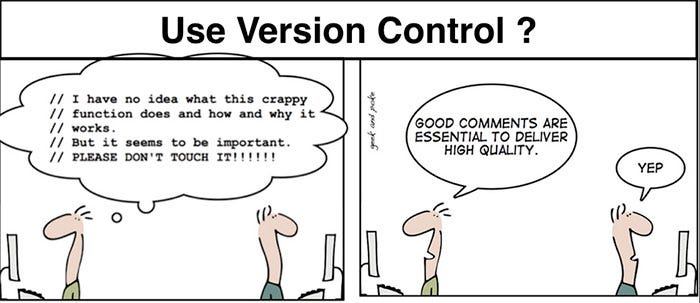
type of verison control .
- Local Version Control
VCS :vreison control system the old one to use .
- Centralized Version Control
CVCS : Centralized Version Control System
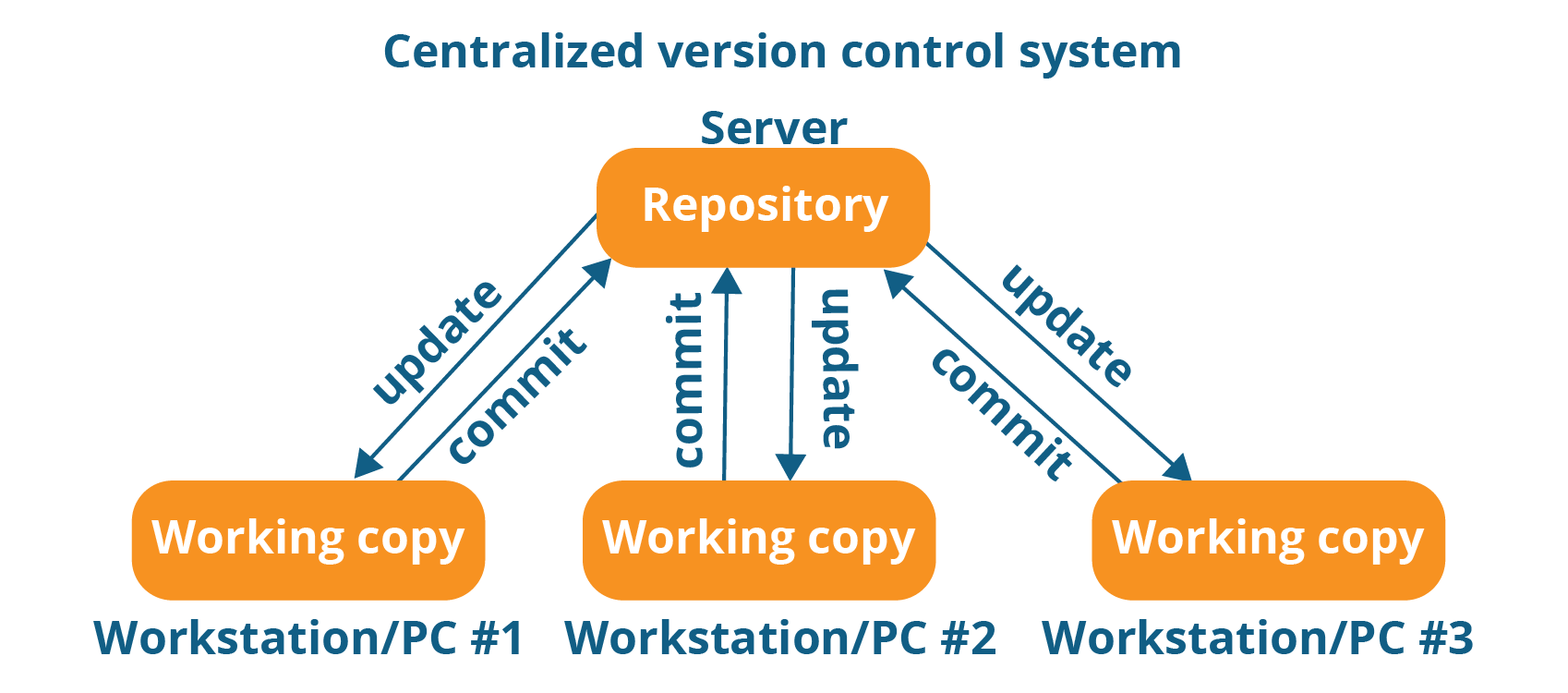
-
Distributed Version Control type of version control where the complete codebase — including its full version history — is mirrored on every developer’s computer DVCS :
Distributed Version Control systemsgit
is the new verison of control that the devloper devlop it to make the programering much esaer and more faster with highly safty process .
** how git is work ** the intention of creating a DVCS with a workflow design similar to that of BitKeeper, which was also fast, Git allowed for non-linear development via multiple branches, could support large projects, possessed strong mechanisms preventing corruption, and had a simple design
## git installation
you can install it in both Mac OS X Windows
# Flash Cards | Command | Description | | — | — | | GUI | Graphical User Interface| | git config |allows the setting of configuration variables that control aspects of Git’s operation and look.| | Default Text Editor |$ git config –global core.editor emacs | | Check Settings | git config –list |
this is a short description for sum techenecal tool
how git work ?
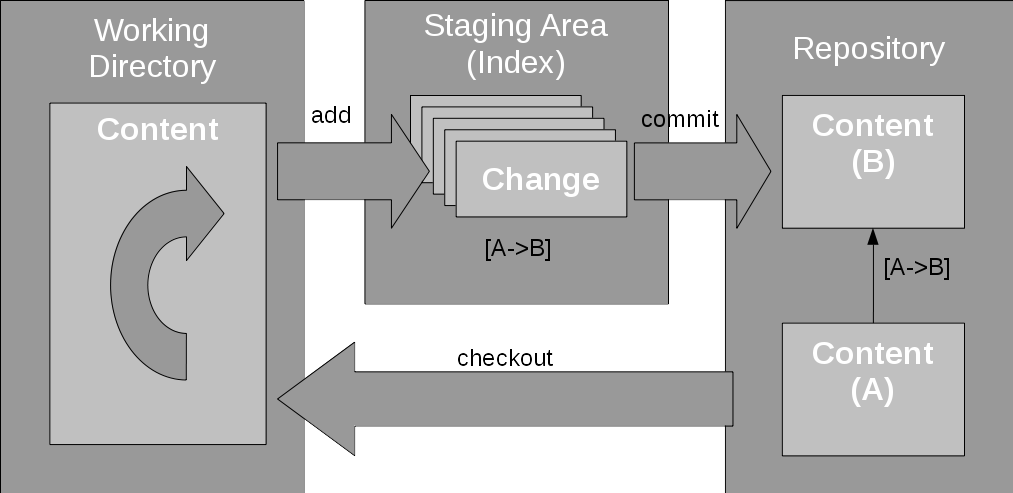
git work dependes on some ordaer and demand from te devloper or group . so its contan
- Working Directory: The actual files reside here.
- Index: The area used for staging
-
Head: Points to the most recent commit
so the mean important thing about git is that it can save by
TrackedandUntracked. so you can committ all the change for new and old file and you can control the changes .some of git command
| Check File Status | $ git status |
| Single File | git add filenam |
| git status | List all new or modified files |
| git diff | Show file differences that haven’t been staged |
Git Life Cycle
Files in a Git project have various stages like Creation, Modification, Refactoring, and Deletion and so on. Irrespective of whether this project is tracked by Git or not, these phases are still prevalent. However when a project is under Git version control system, they are present in three major Git states in addition to these basic ones
- Working directory
- Staging area
-
Git directory
test your self
- what do we mean by DVC:
............. - this link we use it for $ git commit -m “made change x,y,z” .
.............. - what is head :
..............
- what do we mean by DVC:
# i hope that you enjoy it 😃